

Affixr Talk
How to use Affixr Talk
Affixr Talk is free on iPhone, iPad and Android. Walk the property and talk naturally — you do not have to type every snag.
- 1
Open Add New Snag and start Affixr Talk
When you add a snag, the Affixr Talk card explains how it works. Tap Start Recording to begin. You can choose Not now, or Don’t show again, if you would rather type.
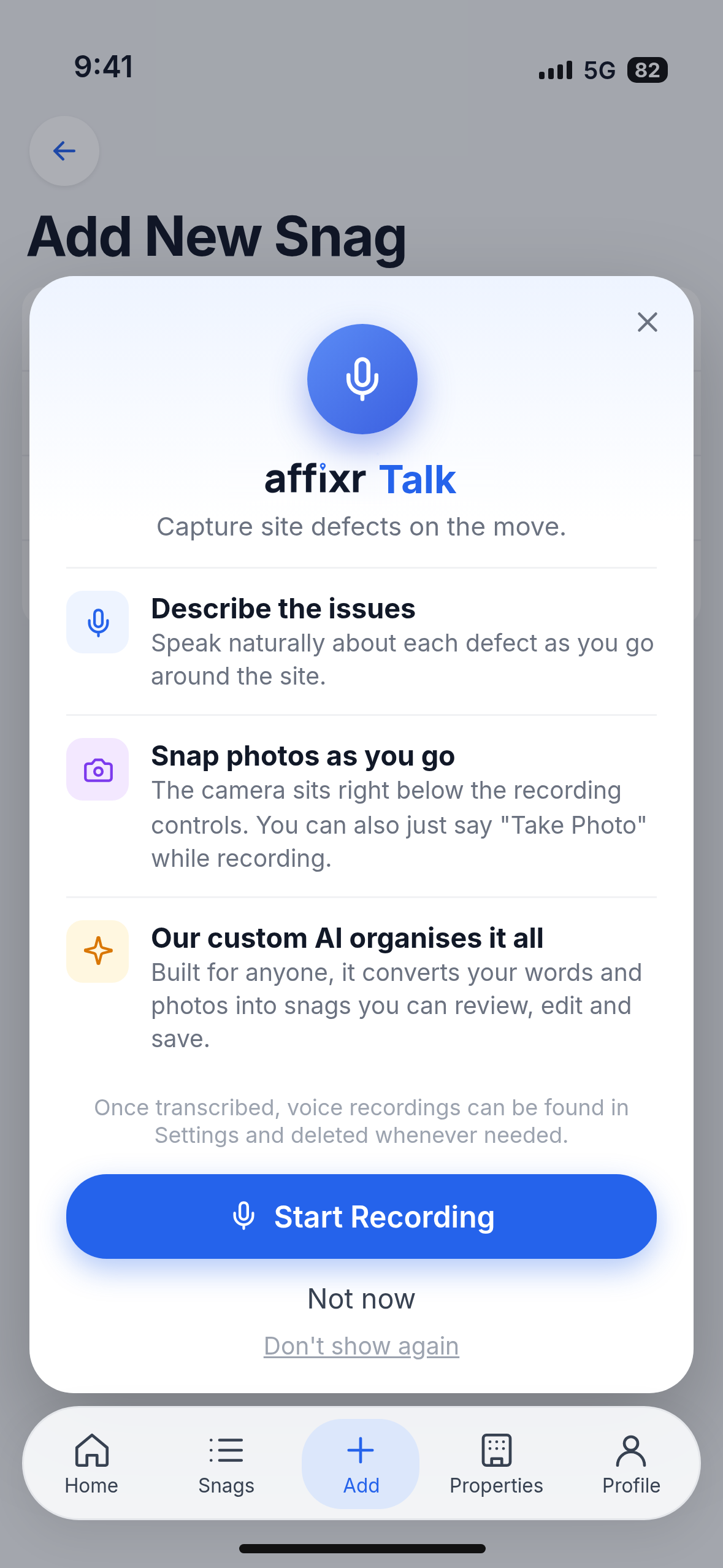
Affixr Talk intro on the Add New Snag screen, with Start Recording - 2
Describe the issues and snap photos as you go
Speak naturally about each defect. The camera sits just below the recording controls, and you can also say “Take photo” while you record.
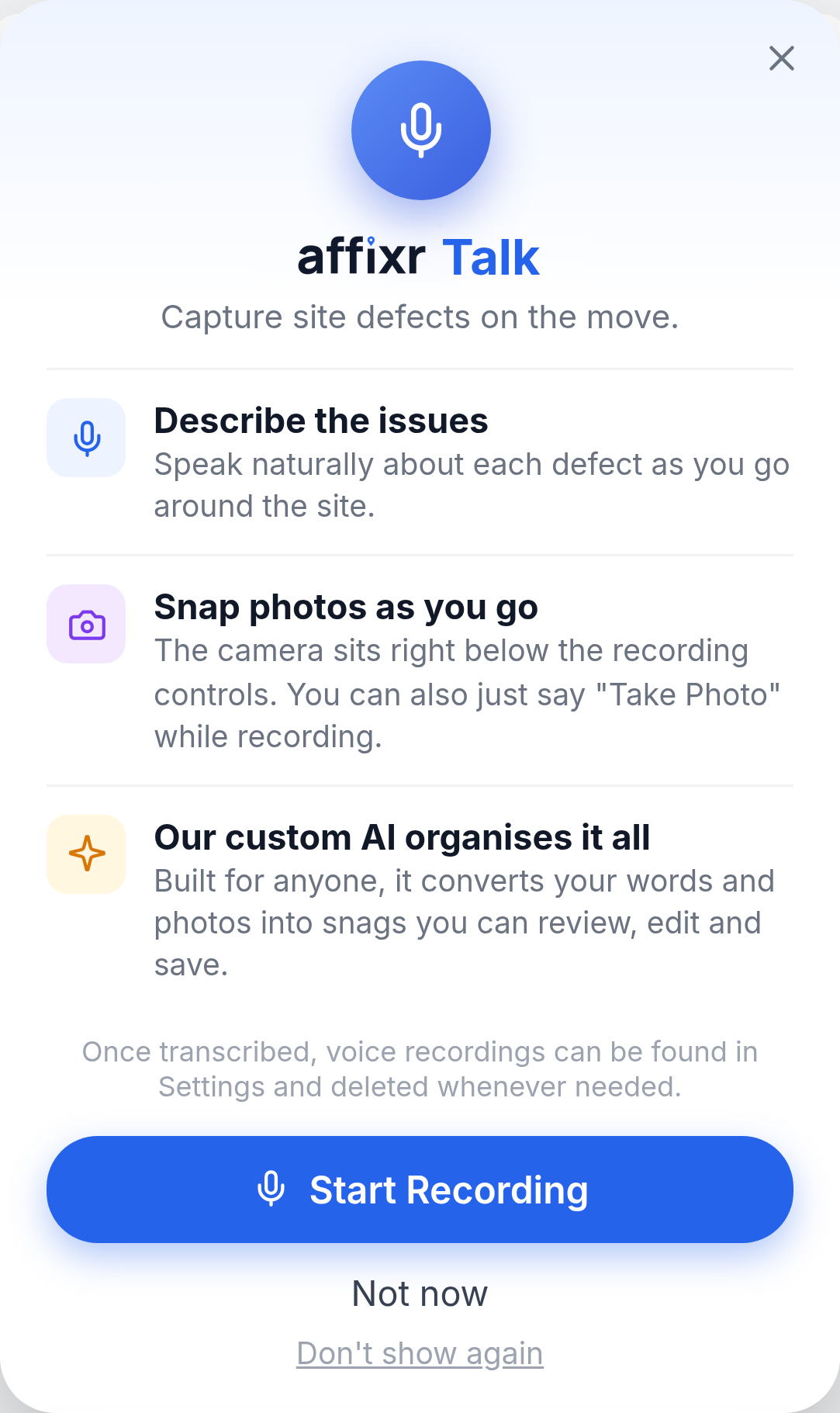
Affixr Talk card: describe issues, snap photos, and let AI organise the snags - 3
Let AI organise it, then review
Affixr Talk turns your words and photos into snags with a title, room and category. Check each one, edit anything that needs tightening, then save.
Related guides
- Review Talk snags and manage recordingsEdit anything the AI wrote up, then find or delete voice recordings in Settings.
- Log a snag with photos or videoAdd a snag with photos, a title, the room, a category and a status.
- Use Affixr offlineLog snags on site with no signal. Everything syncs to the cloud when you are back online.
Still need help? Contact us
Questions about the app, a purchase or a feature? Email us and we will get back to you.
We aim to reply within a couple of working days.