

Logging snags
Log a snag with photos or video
If you can take a photo, you can log a snag. You can also attach a short video and add a written description.
- 1
Tap Add
Use the + Add tab in the bar at the bottom of the app to open Add New Snag. You can also add a snag from a property or from the Snags list.
- 2
Attach photos or video, then fill in the details
Add photos or a short video at the top of the form. Enter a title (required), a description, the property, the location (room), a category such as Plastering or Electrical, and a status. Then tap Create Snag.
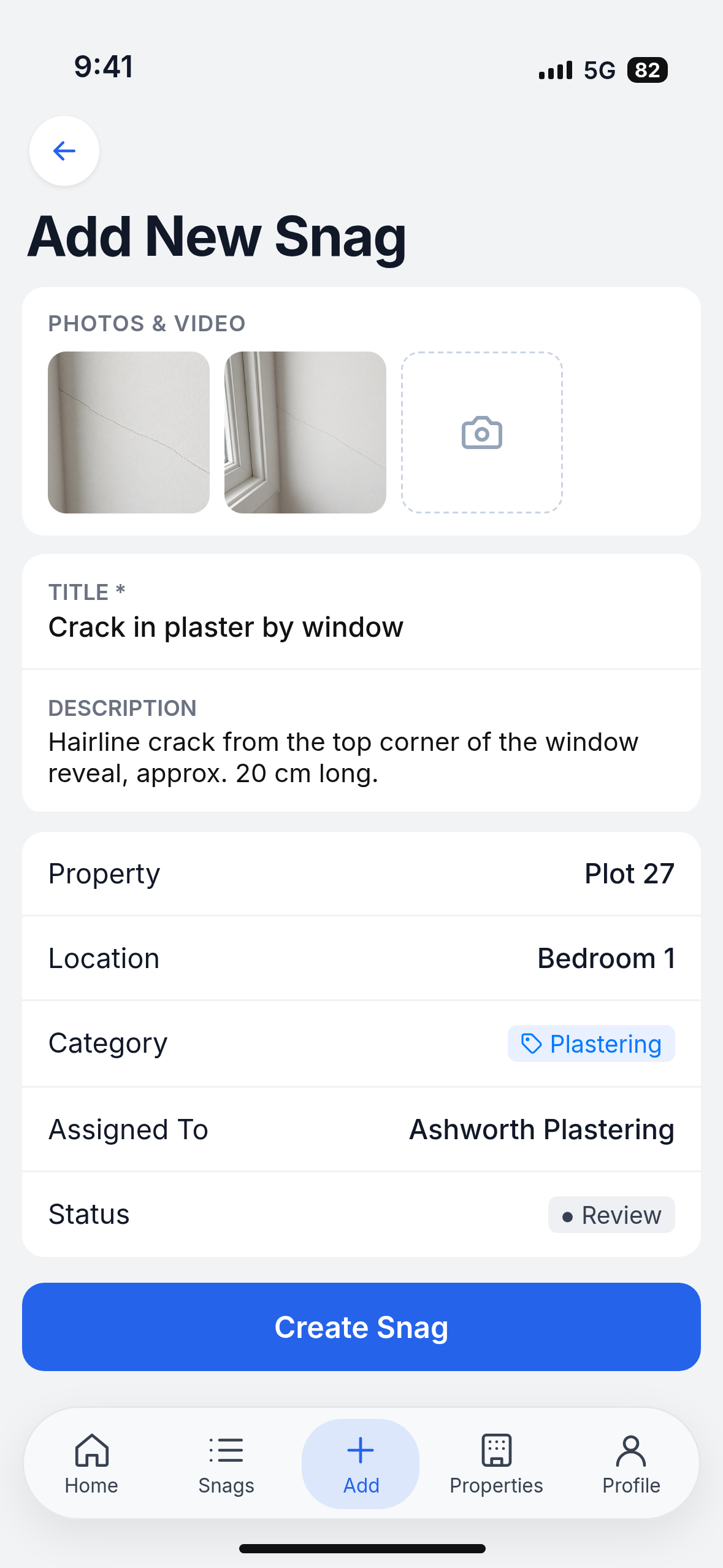
Add New Snag screen with photos, title, description, property, location, category and status - 3
Create another, or go back to the list
When the snag is saved you can create another one straight away, or go back to your snag list.
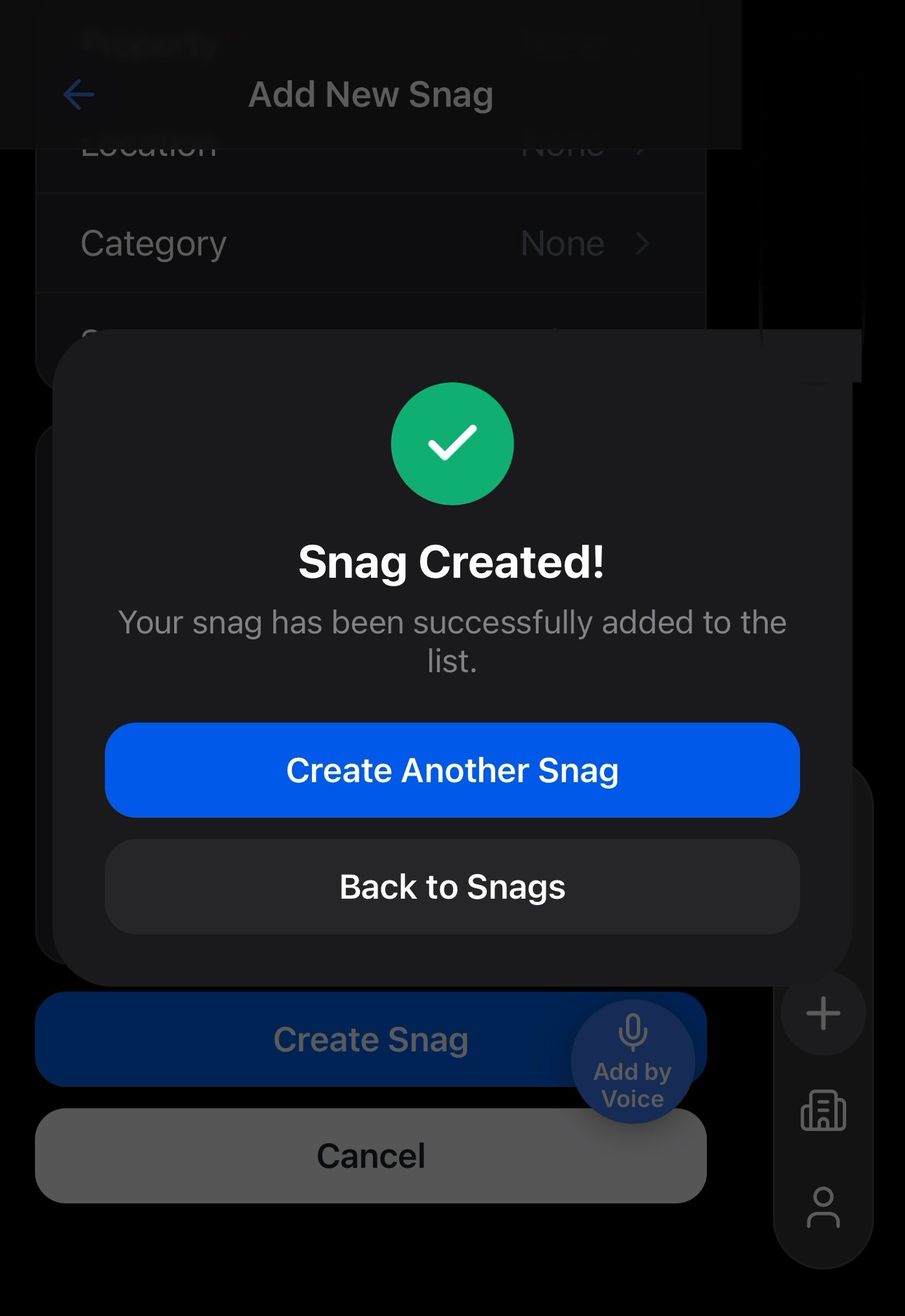
Snag Created confirmation, with options to create another snag or go back to the list
Related guides
- How to use Affixr TalkDescribe defects out loud as you walk around. Affixr Talk turns your words and photos into snags.
- Organise snags by room, category and statusKeep every defect easy to find, whether you are walking a room or reviewing the full list.
- Understand snag statusesMove each snag through Review, In Progress and Completed as work happens.
Still need help? Contact us
Questions about the app, a purchase or a feature? Email us and we will get back to you.
We aim to reply within a couple of working days.