

Properties & floor plans
Manage properties and rooms
You can snag more than one property in Affixr. Each one has its own rooms, snags and plan.
- 1
See all your properties
Open the Properties tab to view every property you are snagging. Search the list if you have several sites, and tap + to add another.
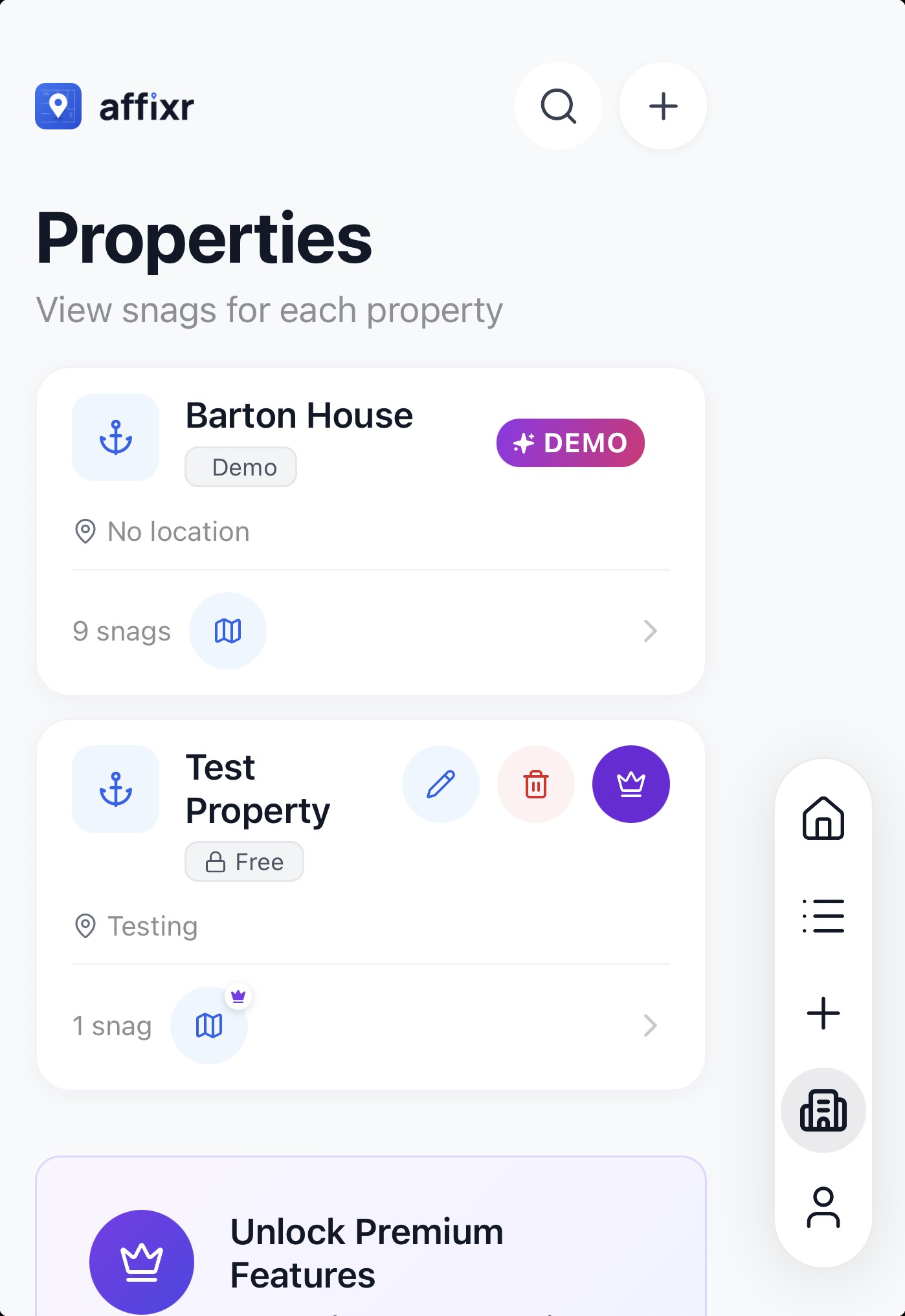
Affixr Properties screen, with search and an add button - 2
Open a property
Tap a property to see its snags grouped by room, such as Bathroom, Kitchen or Hallway. Each snag shows its category and status.
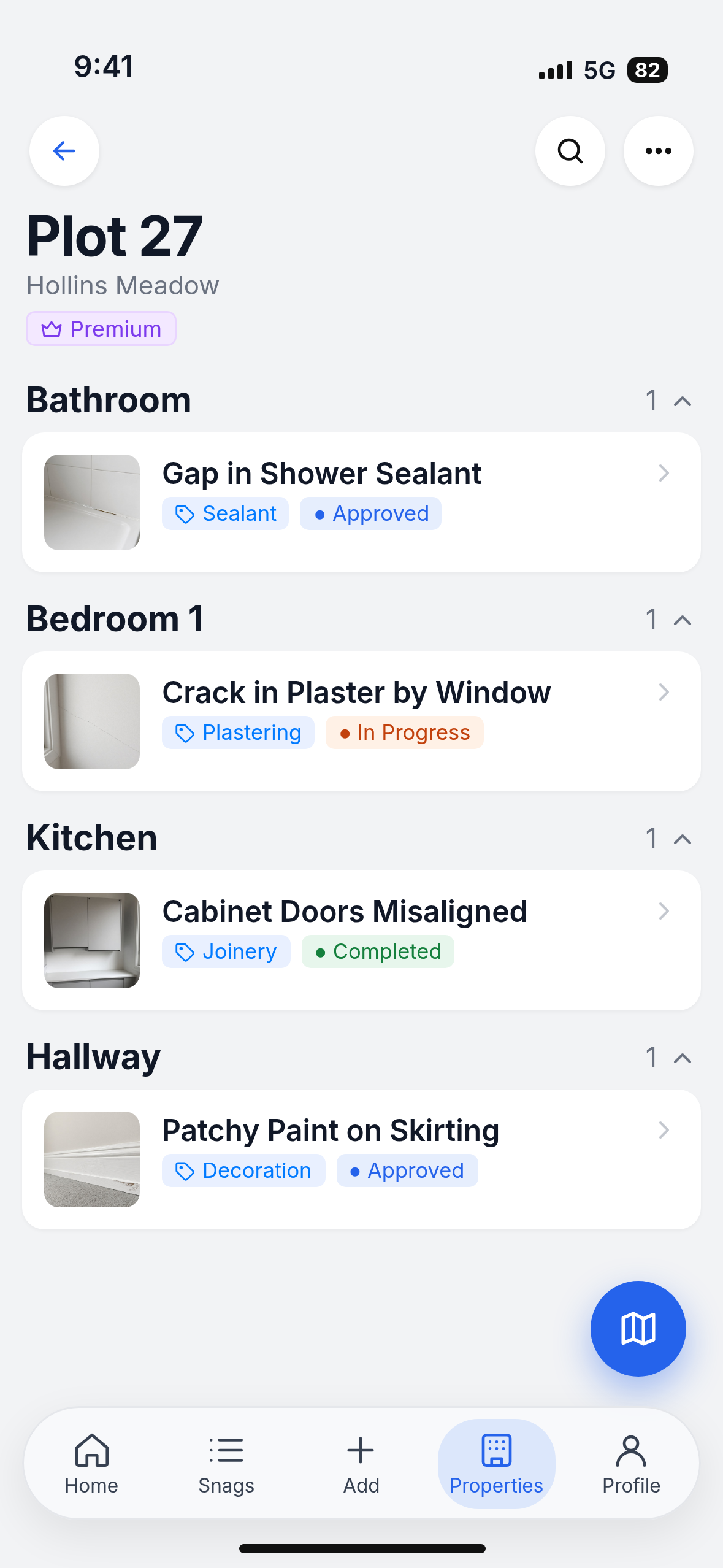
A property in Affixr with snags grouped by room - 3
Move between rooms and the plan
Use the room list as you walk the home. If the property is on Premium, the map button opens the floor plan so you can see pins in place.
Related guides
- Add your first propertyCreate a property with a name and location, then walk it room by room.
- Pin snags on a floor planOn Premium, drop a pin so the site team can go straight to each defect.
- Organise snags by room, category and statusKeep every defect easy to find, whether you are walking a room or reviewing the full list.
Still need help? Contact us
Questions about the app, a purchase or a feature? Email us and we will get back to you.
We aim to reply within a couple of working days.